
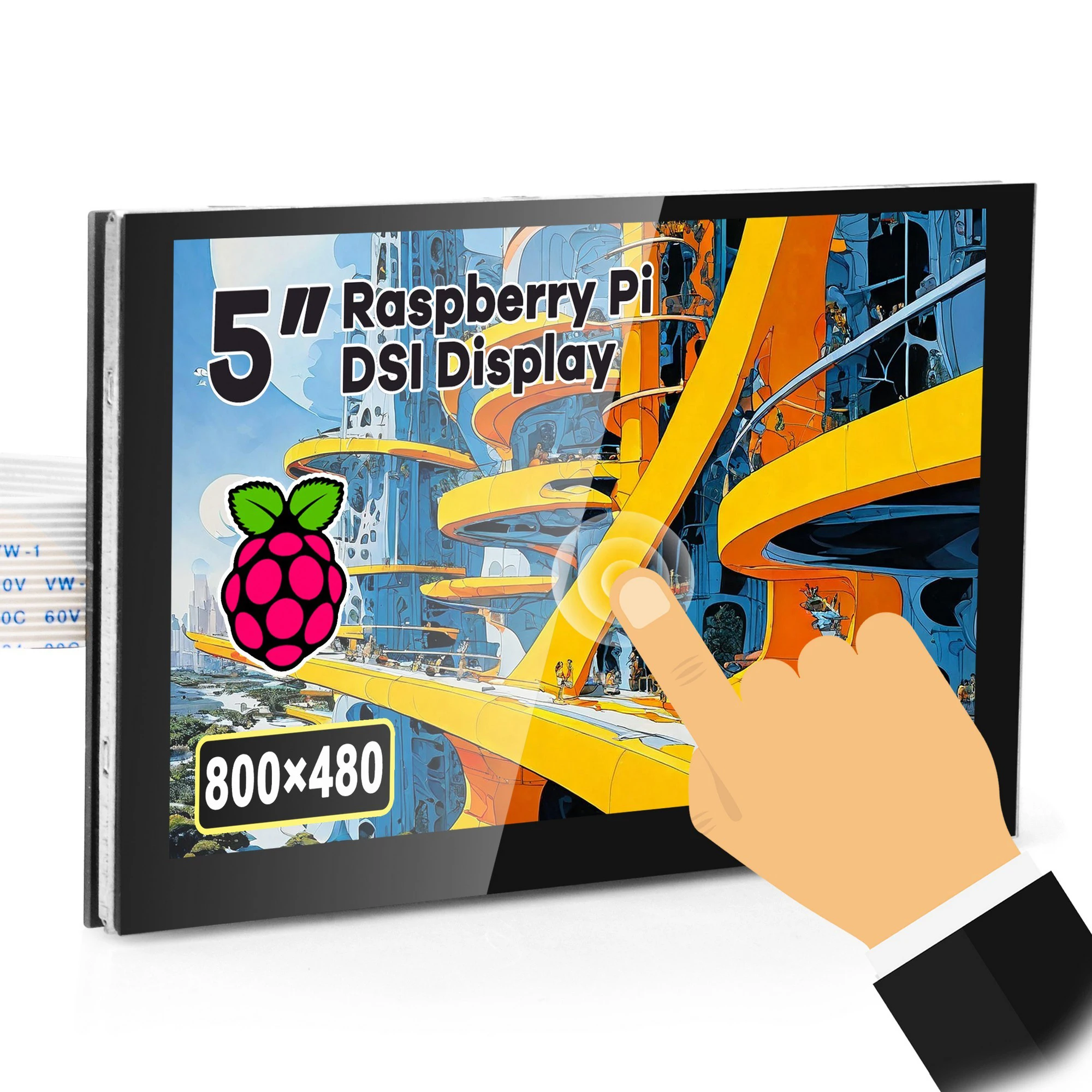
OSOYOO 5 Inch RPi5 DSI Capacitive Touch Screen LCD Display Monitor for Raspberry Pi 5 4 2 3 3B+
You will be redirected to AliExpress to complete your purchase
Specifications
- Brand Name
- OSOYOO
- Origin
- Mainland China
- Display Mode
- 300
- High-concerned chemical
- None
- Resolution
- 800*480
- Model Number
- 2022003100
- Type
- TFT
- is_customized
- Yes
- Touch Panel Type
- Capacitive screen
- Certification
- CE, FCC
- Interface
- DSi
- Brightness
- 400 Nit
- Choice
- yes
- semi_Choice
- yes
Product Description
Note: The interface of this screen is different from Raspberry Pi Official 7" DSI screen. Please choose the correct DSI cable for this screen at the bottom of description.
Feature for 5" DSI
The 5" LCD display is an LCD display which connects to the Raspberry Pi through the DSI connector.
It is capacitive touch LCD screen.
It is compatible with Raspberry Pi 5, 4, 3B+, 3B, 3A+ and 2B
Support system Raspberry Pi OS, Ubuntu, Kali, RetroPie, OctoPrint (Note: Raspberry Pi 5 is just compatible with Raspberry Pi BOOKWORM OS)
It doesn't need to install driver, and you can plug and play.
The Physical resolution of LCD is 800*480
No need additional power
Quality Standards :Class B
Guarantee period: 60 days
Differences between TN and IPS screen:
Here we provide TN panel and IPS panel of 5 inch DSI screen. Both IPS and TN panels have their advantages.
Viewing Angles: IPS panels offer wider viewing angles compared to TN panels. This means that the colours and images remain consistent even when viewed from different angles. If you often share your screen with others or work on graphics, an IPS panel would be a better choice.
Response Time: If you’re a gamer, the response time of the panel is a critical factor. TN panels generally have faster response times than IPS panels, making them a preferred choice for fast-paced gaming.
Colour Accuracy: For professionals working in graphic design or video editing, colour accuracy is paramount. IPS panels are known for their superior colour accuracy and consistency compared to TN panels.
You can choose the one more suitable for yourself.
Multiple Applicable OS
Note: Raspberry Pi 5 is just compatible with Raspberry Pi BOOKWORM OS
Free drive support Raspberry Pi OS, Ubuntu, RetroPie, and so on.
This drive free monitor designed DSI for signal and data transmission.
No need additional power for touchscreen.
No program or software support required.
You just need to install DSI cable on your screen and raspberry pi DSI port, No need jumper wires then power on raspberry pi device which build OS
Package includes:
1 piece 5" DSI TN/IPS Touch LCD Screen for Raspberry Pi,
1 pc 15 pin to 15 pin DSI FFC 10cm Cable for Raspberry Pi 2/3/4/ (the metal connectors of two side are at the same side)
1 pc 15pin-1mm to 22pin-0.5mm DSI FPC 20cm cable for Raspberry Pi 5,
1 pc screwdriver,
1 pc user guide manual come in the nice box
(Note: DSI cables for OSOYOO 5 inch DSI screen are different from Official Raspberry Pi DSI cable. Please choose the correct DSI cable for this screen at the bottom of description)
How to install 5 inch DSI screen
Prepare 5 inch DSI screen and DSI ribbon cable
Toggle DSI interface with your finger
Insert the end of cable to DSI interface (Put contact points of cable downward)
Fasten DSI interface tightly
Install the DSI screen with Raspberry Pi (Pay attention of contact points of Raspberry Pi DSI slot and DSI cable)
Note: if you use the screen with Raspberry Pi 5, Please replace the white DSI cable with black15pin-1mm to 22pin-0.5mm DSI FPC 20cm cable
#Please order DSI cable for OSOYOO 5inch DSI screen (V1.x, V2.x, V3.0)
DSI cable for OSOYOO 5inch DSI screen to Raspberry Pi 5(20cm) | ------------- | ||
------------- | |||
------------- |
Product information last updated on December 16, 2025