
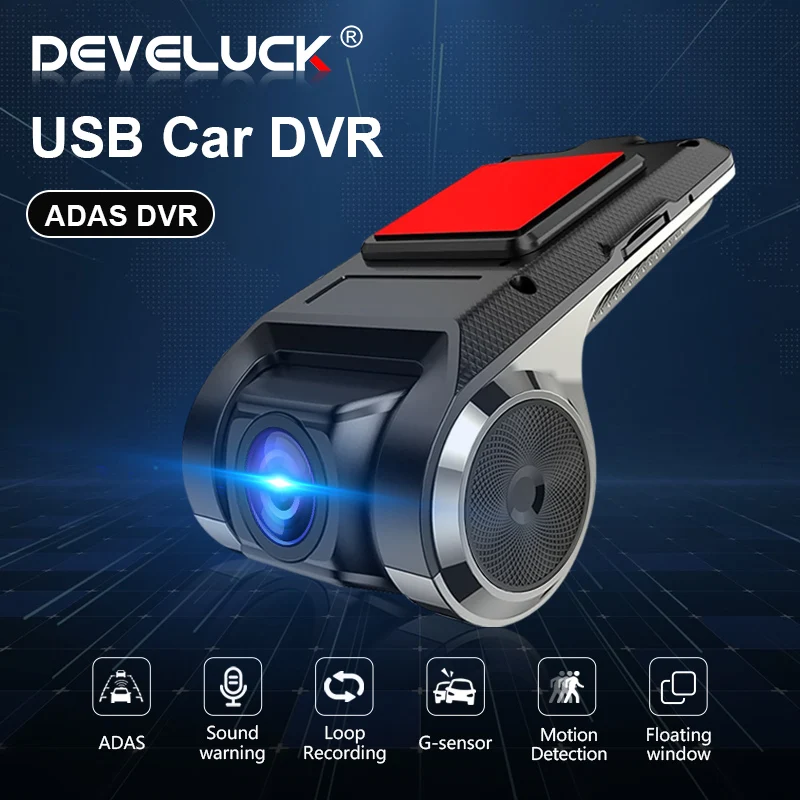
Develuck ADAS USB DVR Camera For Car DVD Android Player Dash Cam Full HD Navigation Head Unit Auto Audio Voice Alarm G-Shock
You will be redirected to AliExpress to complete your purchase
Specifications
- Brand Name
- Develuck
- Is Batteries Included
- No
- Frames Per Second
- 25
- High-concerned chemical
- None
- Origin
- Mainland China
- Chipset Manufacturer
- NOVATEK
- Assembly Mode
- Hidden Type
- View angle
- 105-140
- Number Of Lenses
- 1
- Screen Ratio
- NONE
- Video Code
- H.264
- Battery Life
- need connect power
- Original Package
- Yes
- Item Type
- Car DVR
- Camera Resolution
- 1280x720
- Special Features
- motion detection, sd/mmc card, Anti Surge Voltage Impact, Anti Vibration, Real Time Surveillance, Automatic White Balance
- Video Format
- MOV
- Touch Screen
- No
- Battery
- Built-In
- Display Size
- NO
- Certification
- NONE
- Memory Card Required Reding Speed
- Class 10
- Imaging Sensor
- 1/3 Ov7950
- Interface
- AV-Out, USB 2.0, Micro SD/TF
- OSD Language
- Chinese (Simplified), Chinese (Traditional), English, Russian
- Pixels
- 800Mega
- Rear Camera
- NONE
- Max External Memory
- 128G
- Choice
- yes
Product Description
★After the first installation of DVR, you need to connect to the network for application upgrade to experience all functions ADAS Function
ADAS Function
LDWS Function
Basic Function Loop recording
Drowsy or distracted driving greatly increases the chance of an accident on the road. The LDWS will alert the driver with English voice when the vehicle goes off lane in a speed over 50 km/h.
⭐⭐⭐⭐⭐--- mainly produces and sells car radios. It has 1GB + 16GB / 2GB + 32GB / 4GB + 64GB, WiFi and 4G versions, the latest real Android 9.0 version, etc. It is committed to providing buyers with a better experience and welcome Working with wholesale customers
Q: How do I install the DVR application?
A: We have reinstalled the application in dvr, just connect to your car radio, enter the file manager, find the Buildwin USB drive, click to enter, and then click to run "DVR.apk" to install and then complete;
Q: How to make ADAS work properly?
A: Enter the settings of the DVR application, find ADAS, and turn on all functions. It may be necessary to update the software. It is easy. Just connect to the wifi and click Update;
Q: Can dvr be connected to a phone or have wifi / Bluetooth capabilities?
A: No, not all of them are supported;
Q: How to watch the video recorded by DVR?
A: DVD is just to watch the video in real time. If you want to watch the video, please remove the SD card and then use a card reader to connect to the computer to watch;
Product information last updated on December 18, 2025